Cart
Cart
|
Home > Online Product Documentation > Table of Contents > Chapter 1 Getting Started with Stylus Studio Chapter 1 Getting Started with Stylus Studio
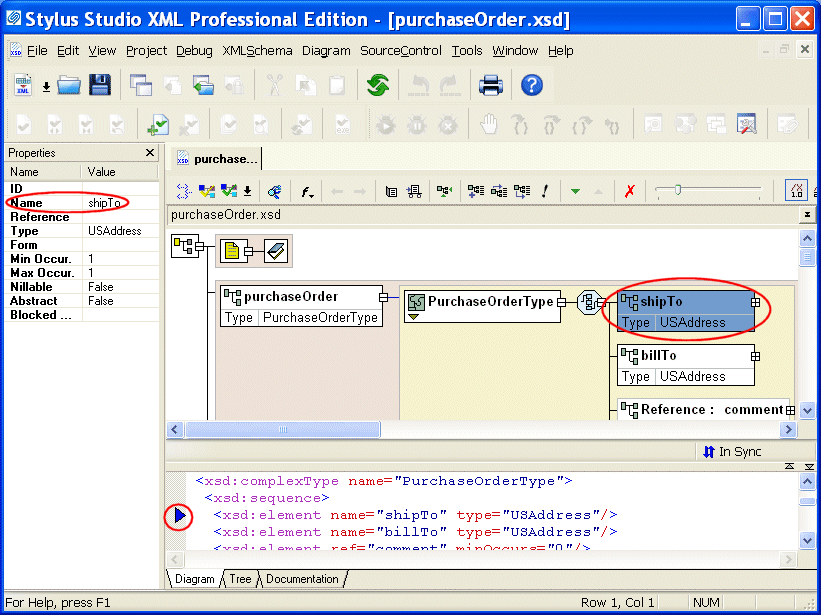
Stylus Studio 6 (Stylus Studio) is an integrated development environment (IDE) for XML and related technologies. Stylus Studio allows you to design, develop, and test XML applications using its intuitive graphical interface, textual editors, and debuggers for XML, XML Schema, DTD, XQuery, XSLT, and Java.
Stylus Studio includes modules for working with: Each module has one or more editors to help you author, edit, and debug XML applications. About Stylus Studio Home EditionStylus Studio Home Edition is a value-priced XML IDE that provides an excellent way to learn about and work with XML and its related technologies. Stylus Studio Home Edition offers many of the features of Stylus Studio XML Professional Edition, including support for many of the modules listed in the previous section. Modules that are not supported in Stylus Studio Home Edition include the following: Furthermore, not every feature of supported modules is available in Stylus Studio Home Edition. The XML Editor's Grid tab is available only in Stylus Studio XML Professional Edition, for example. Other features supported only in Stylus Studio XML Professional Edition include: Documentation that describes these features is identified with an alert like the following:
In This ChapterThis chapter provides a tour of the basic operations Stylus Studio provides with each of its modules. It also includes information about opening files in any module, using projects to organize files, and setting options that affect all modules. This chapter is organized as follows: |

XML PRODUCTIVITY THROUGH INNOVATION ™