Cart
Cart
|
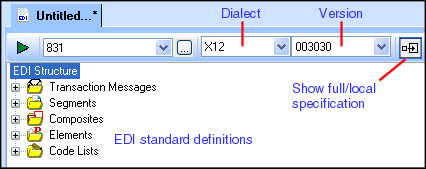
Home >Online Product Documentation >Table of Contents >Views of the EDI Structure Views of the EDI StructureThe EDI Structure pane provides two views to help you build your EDI to XML conversion:
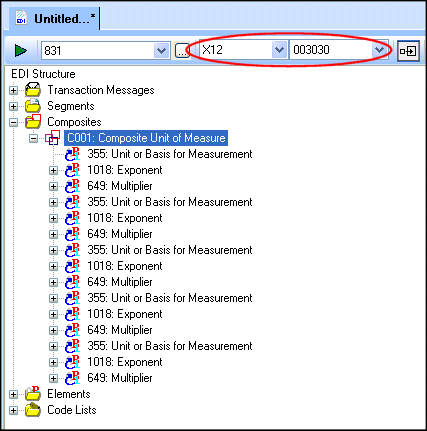
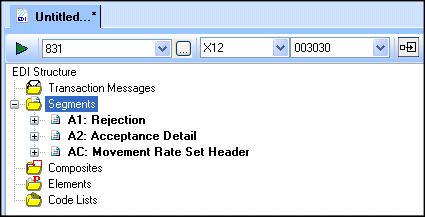
You use the Show Full Dialect Specification button ( When you create an EDI to XML conversion (whether based on an EDI document or starting directly from an EDI standard), the EDI Structure pane makes the complete specification accessible - just expand a node to view a definition, and its properties appear in the Properties window. As you build your EDI to XML conversion and make changes to the EDI standard, you might want to simplify the view in the EDI Structure pane to display only those local definitions. In the following illustration, the segments A1, A2, and AC have all been imported from repository. These definitions, which are shown in bold, reside in the SEF file that represents your EDI to XML conversion. |

XML PRODUCTIVITY THROUGH INNOVATION ™
 ) to toggle between these views.