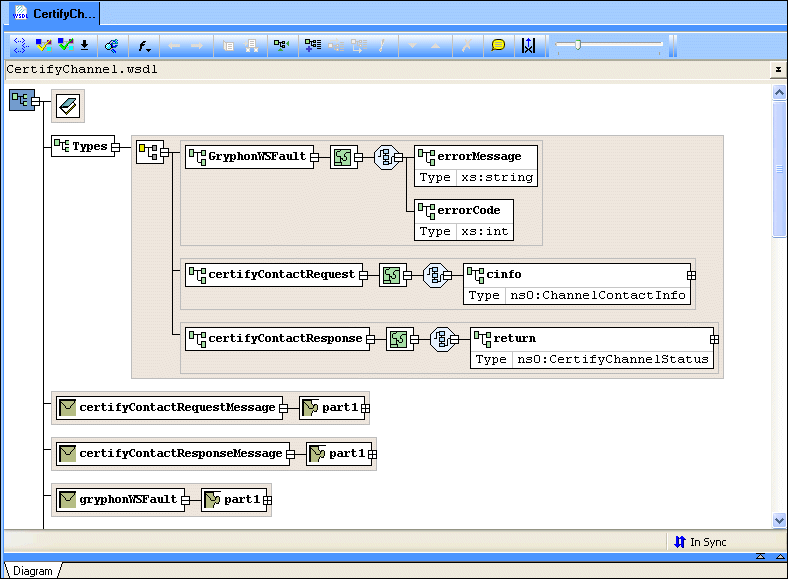
Diagram Pane

The diagram pane contains graphical representations of the elements, attributes, and other nodes that make up a WSDL document, including elements from any XML Schema associated with the WSDL.

Figure 376. WSDL Diagram Pane

XML Project

Stylus Studio's Project Window is an intuitive, visual feature for organizing files belonging to a project. It supports different file-type icons and nested folders; many helpful options are available from the context menu.

Generating Java Code with Stylus Studio

This is a video tutorial on how to generate Java Code with Stylus Studio

XQuery Debugger

The Stylus Studio XQuery Debugger allows you to set breakpoints and step through the evaluation of any XQuery expression in a way that gives you complete control and visibility into the XQuery expression evaluation process.

XSD Editor

XSD Editor provides a synchronized split-pane interface that simultaneously shows both a visual XSD Diagram and the underlying code, with changes in one pane immediately reflected in the other

Stylus Most Wanted

 
Free Stylus Studio XML Training:
W3C Member