Cart
Cart
|
Home > Online Product Documentation > Table of Contents > Designing a Report from the XML Document Designing a Report from the XML DocumentNow that we have an XML document that represents our joined data sources, we need to develop finished reports in HTML and PDF. The Stylus Studio XML Publisher helps you design reports based on XML documents or XML Schema, and then generate XQuery or XSLT code to create that report in HTML+CSS or XSL-FO document formats.
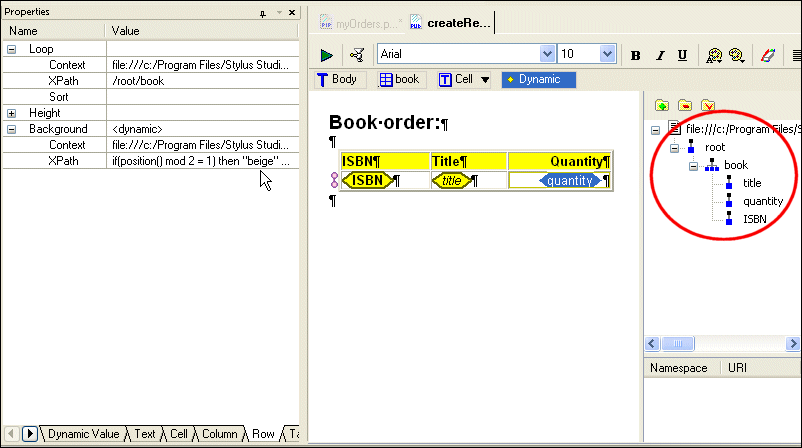
As shown in
Figure 405, the XML Publisher
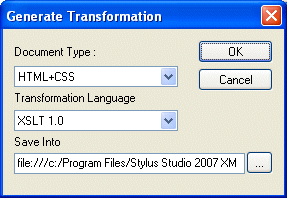
The table, and the values in its columns, was created by simply dragging nodes from the source document tree and dropping them on the XML Publisher canvas. Additional formatting was specified using XPath expressions (to control row color and quantity color, for example). When the report design was complete, we used XML Publisher to generate XQuery and XSLT code using the Generate Transformation dialog box.
We created
See Chapter 14, "Publishing XML Data," to learn more about designing reports using the XML Publisher. |

XML PRODUCTIVITY THROUGH INNOVATION ™