Cart
Cart|
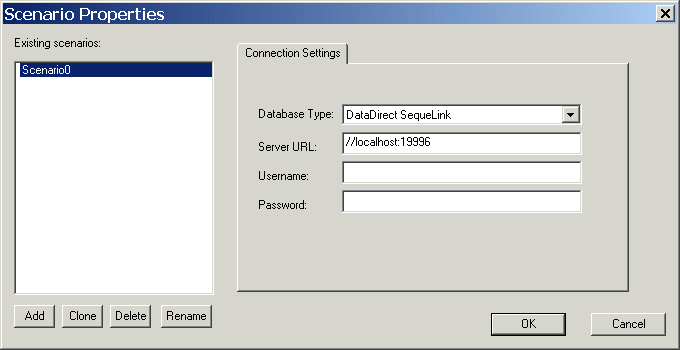
Home > Online Product Documentation > Table of Contents > Specifying Connection Settings Specifying Connection SettingsYou specify the information needed to connect to a server and log in to a relational database on the Connection Settings tab of the Scenario Properties dialog box. Stylus Studio displays this dialog box automatically when you open a new DB-to-XML data source. (You can also display the Scenario Properties dialog box manually. See Opening the Scenario Properties Dialog Box.)
The connection settings you specify on the Connection Settings tab of the Scenario Properties dialog box are saved with the DB-to-XML data source. This section covers the following topics: |

XML PRODUCTIVITY THROUGH INNOVATION ™