Cart
Cart
|
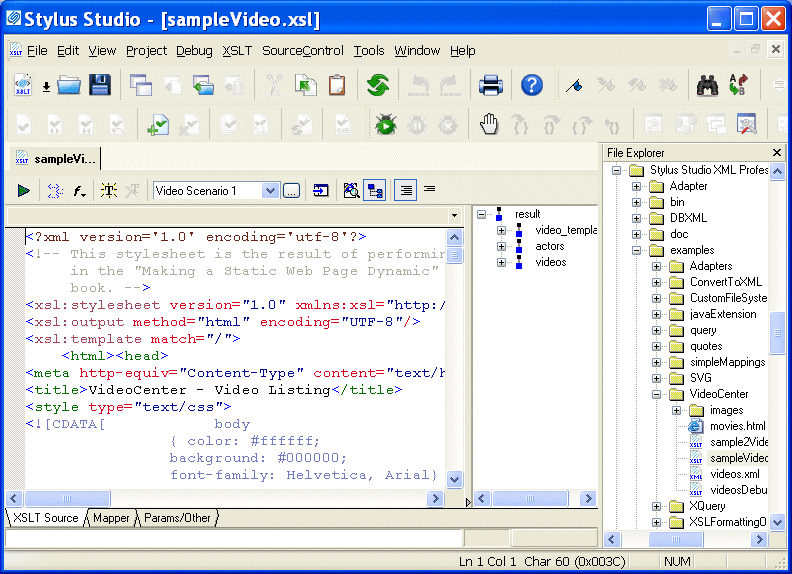
Home >Online Product Documentation >Table of Contents >About the XSLT Editor About the XSLT EditorThe XSLT editor, which displays a stylesheet when you open it, has four tabs at the bottom. The XSLT Source, Mapper, and Params/Other tabs are always available. Editing XSLT as XMLIf you want, you can edit an XSLT file as an XML file. To do this, open the stylesheet in the XML editor instead of in the XSLT editor. In the Open dialog box, click the down arrow in the Open button. Click XML Editor in the drop-down menu. A document can be open in the XML editor and in the XSLT editor at the same time. |

XML PRODUCTIVITY THROUGH INNOVATION ™