|
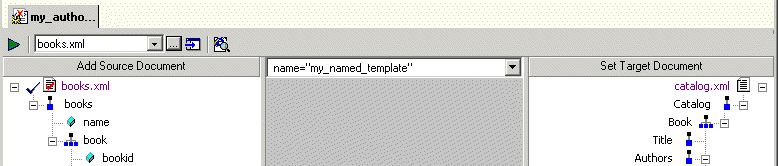
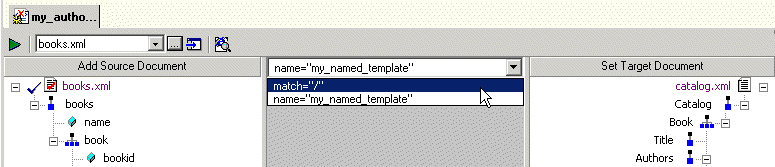
Home >Online Product Documentation >Table of Contents >What Happens When You Create a Template What Happens When You Create a TemplateWhen you create a template, Stylus Studio switches the XSLT mapper to the new template. The attributes identifying the template you are currently viewing are displayed in the template drop-down list at the top of the mapper canvas. You can change the template view at any time, by selecting the template from the drop-down list, as shown in Figure 271. |

An Introduction To XML Schema Development
An Introduction to XML schema development in Stylus Studio covers some of the highlights of our XML Schema Editor, powerful tools for editing, validating, converting and generating XML schema. Watch the video online today!
XML Helps Uncork Innovative Winery Web Sites
Learn how Freerun Technologies, Inc., a leading Internet services provider used Stylus Studio and XML technologies to develop a framework for Web-based eCommerce applications for the wine industry, reducing development cycles.
Food & Beverage Services
"I'll have a burger and a side of Stylus Studio", says these top food & beverage services that use Stylus Studio in everyday operations. Come see which food & beverage services eat up the idea of having the most powerful XML IDE at their finger tips!
MySQL XML Tools
The MySQL tools in Stylus Studio simplify XML related development tasks for working with MySQL and XML.