 Cart
Cart
|
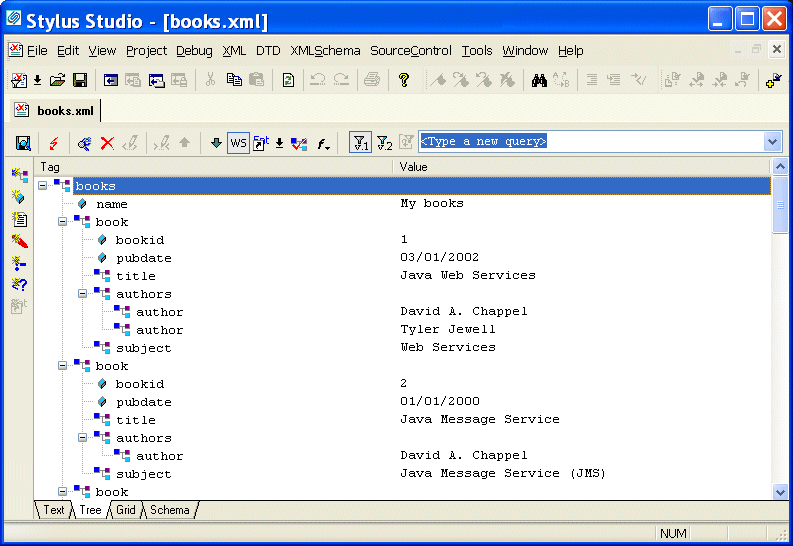
Home > Online Product Documentation > Table of Contents > Updating DOM Tree Structures Updating DOM Tree StructuresTo update the DOM tree for an XML document, click the Tree tab at the bottom of the window that contains the document.
While you are editing, if the display does not appear to correctly represent the current tree, click
Reload Document
To save your file, select File > Save from the Stylus Studio menu bar or click Save in the Stylus Studio tool bar. This section discusses the following topics: |

XML PRODUCTIVITY THROUGH INNOVATION ™
 in the main tool bar. If you want to perform a certain action and Stylus Studio has grayed out the button for that action, try clicking
Refresh first.
in the main tool bar. If you want to perform a certain action and Stylus Studio has grayed out the button for that action, try clicking
Refresh first.


