Cart
Cart
|
Home > Online Product Documentation > Table of Contents > Creating Stylesheets That Generate HTML Creating Stylesheets That Generate HTML
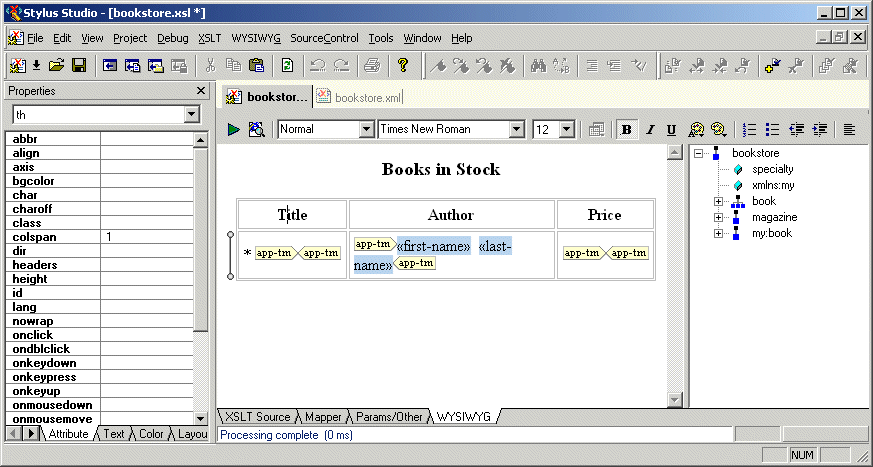
The WYSIWYG HTML editor allows you to design stylesheets that generate HTML in a way that is easier than typing all required XSLT instructions.
Stylus Studio synchronizes the XSLT Source and WYSIWYG tabs in the XSLT editor. Any updates you make in one tab are automatically reflected in the other tab. This allows you to go back and forth between these two views as needed. You might find that it is easier to insert some XSLT instructions directly, and then return to the WYSIWYG tab. In the WYSIWYG tab, Stylus Studio displays a tree that represents the XML source document that the stylesheet operates on. It is important to note that when the XML source document is associated with a schema, the tree still represents the XML source document. It does not represent the associated schema. The stylesheet that you design in the WYSIWYG tab can generate HTML or XHTML. Consequently, the output method must be HTML or XML. The output method cannot be text or unspecified. This section covers the following topics: |

XML PRODUCTIVITY THROUGH INNOVATION ™