Cart
Cart
|
Home > Online Product Documentation > Table of Contents > How Grid Changes Affect the XML Document How Grid Changes Affect the XML DocumentWhen you make a change to the document structure or content on the Grid tab, those changes are reflected immediately in the underlying XML document. You can see your changes affect the document on the Text tab.
Consider the following excerpt from
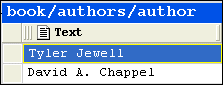
If you move the rows in the authors table, for example, as shown in Figure 115,
the underlying XML changes accordingly:
Types of Changes that Affect the DocumentThe following changes, all of which can be made using Grid tab, affect the underlying XML document:
Changes you make affect the current instance only. For example, in the example shown in
Figure 115, only that instance of the nested table is affected. If you add a column to
|

XML PRODUCTIVITY THROUGH INNOVATION ™