Cart
Cart|
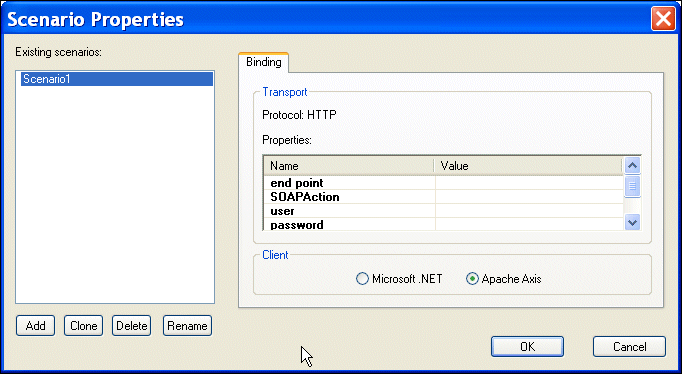
Home >Online Product Documentation >Table of Contents >Overview of Scenario Features Overview of Scenario FeaturesThis section describes the main features of Web service call scenarios. It covers the following topics: Scenario NamesYou specify a name for a Web service call scenario on the Binding tab of the Scenario Properties dialog box. When you create a Web service call scenario, specify a name that makes it easy to distinguish one scenario from another. Transport Protocol and Client SettingsYou specify the transport protocol you want to use when testing the Web service on the Binding tab of the Scenario Properties dialog box. When you use HTTP as the transport protocol, the Web service call client can be any one of the following: Other Transport SetttingsOnce you specify the client, Stylus Studio displays a list of additional settings that you can use to define properties for the scenario. Some values, such as the time out, are system defaults. Others, such as the SOAP action, are taken directly from the WSDL specified in the Web Service Call Composer.
HTTP SettingsThe following table describes the scenario settings associated with the HTTP transport protocol. |

XML PRODUCTIVITY THROUGH INNOVATION ™