 Cart
Cart|
Home >Online Product Documentation >Table of Contents >Stepping Into a Node Stepping Into a Node
If we want to take a closer look at the XQuery node as it processes the input, we can step into it, directly from the XML Pipeline Editor by pressing the Step Into button (
When you step into another document from the XML Pipeline Editor, Stylus Studio pauses the debugger on the first instruction in that document. (In XQuery and XSLT, the pause symbol is a yellow triangle. You can step over the instructions, one-by-one, by clicking the Step Over button ( You need to stop debugging before you can make changes to a document. When the document you have stepped into has completed processing, you are returned to the XML pipeline, and you can continue debugging it. |

XML PRODUCTIVITY THROUGH INNOVATION ™
 ), or by pressing F11. When we step into a node, Stylus Studio opens the document the node represents (in this case,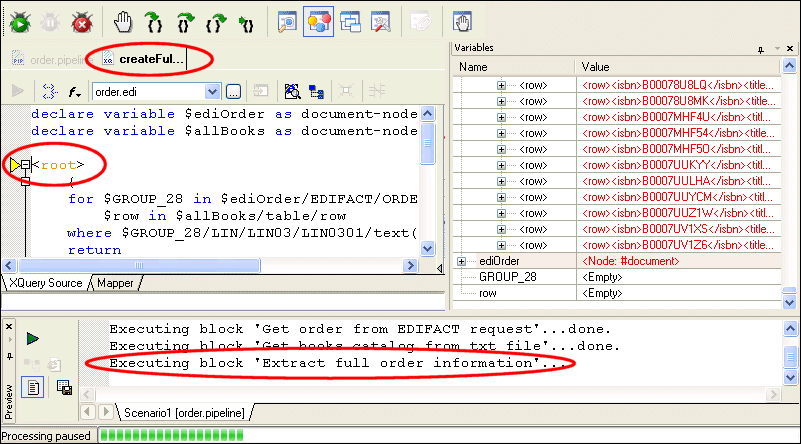
 ) or pressing F10. You can set breakpoints within this document, as well.


