Cart
Cart|
|
Home > Online Product Documentation > Table of Contents > Custom File Systems Custom File Systems
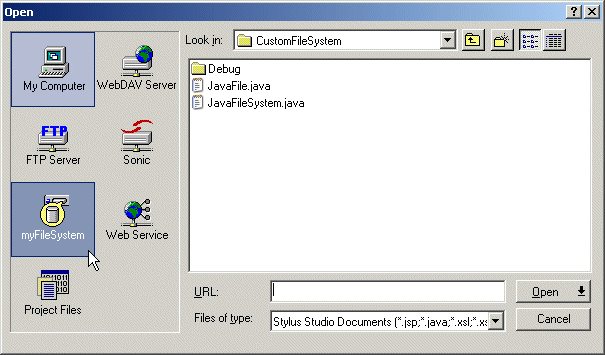
Stylus Studio supports several standard file systems, including Windows, WebDAV, and FTP. You can use Stylus Studio's custom file system feature to define your own file system and register that file system with Stylus Studio. A custom file system can be any data source (XML, XQuery, DTD, for example) with a Java API. Once you register a custom file system with Stylus Studio, it is displayed in the File > Open and File > Save dialog boxes.
The process of creating a custom file system in Stylus Studio involves two main steps:
1. Using Stylus Studio custom file system Java API,
CustomFileSystem.jar, create the Java wrapper class for your data source.
2. Register the finished custom file system with Stylus Studio.
These steps are described in greater detail in the following sections. In this sectionThis section covers the following topics: |

XML PRODUCTIVITY THROUGH INNOVATION ™