Cart
Cart
|
Home >Online Product Documentation >Table of Contents >Setting a Value for an Output Port Setting a Value for an Output PortTo quickly verify that our XML pipeline works as expected, we can create an output for the XQuery node's output port. To set a value for an output port:
1. Click the output port.
2. Specify a value for the Copy To URL property ( myFullOrderSample.xml, for example).
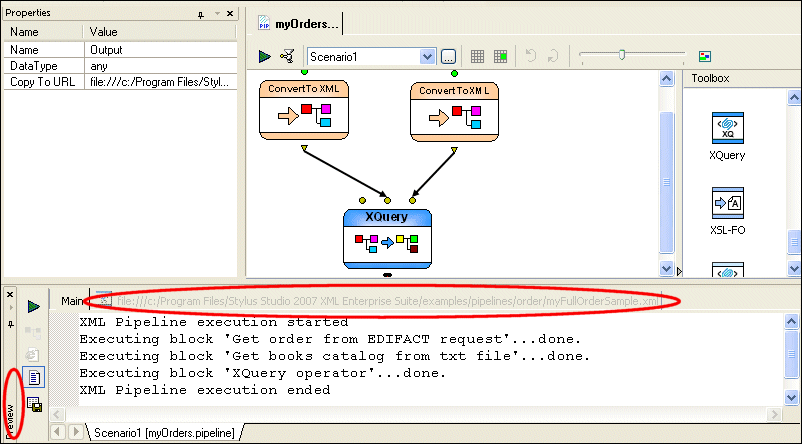
The output port changes color, indicating that it has a value specified for it. If we test the XML pipeline again, we can see that the XML pipeline runs to completion. Stylus Studio displays the Preview window, the Main tab of which displays an execution log that describes the processing steps executed in the XML pipeline.
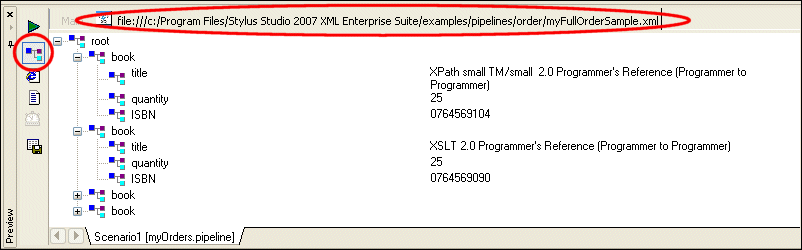
If we click the next tab in the Preview window, we can see the XML output by our XML pipeline in text view. If we click the Preview in Tree button ( |

XML PRODUCTIVITY THROUGH INNOVATION ™
 ), we can verify that the XML document is of the structure we expect.