|
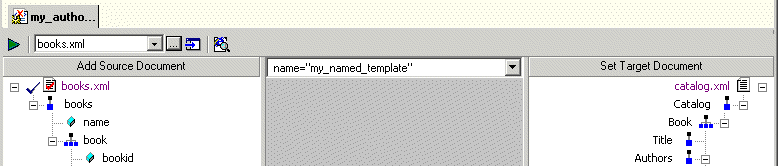
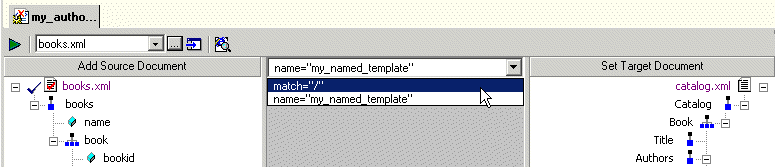
Home > Online Product Documentation > Table of Contents > What Happens When You Create a Template What Happens When You Create a TemplateWhen you create a template, Stylus Studio switches the XSLT mapper to the new template. The attributes identifying the template you are currently viewing are displayed in the template drop-down list at the top of the mapper canvas.
You can change the template view at any time, by selecting the template from the drop-down list, as shown in Figure 260.
|

Apache AXIS
Develop and test Web service applications using Apache AXIS and Stylus Studio.
XML File Explorer
The XML File Explorer provides a productive, consistent, and easy-to-use interface for working with any data sources (relational data, EDI, binary, XML, CSV, and more) used in enterprise data integration projects.
XML-to-HTML Mapper
Stylus Studio simplifies XML-to-HTML mapping through the industry's first and only XML to HTML mapping tool based on industry standard XSLT.
Java IDE
Edit, compile and debug and generate Java code with Stylus Studio's Java Integrated Development Environment (IDE). Supports popular Java XML processing components including Apache Xalan, Apache Axis, Apache Xerces, Saxon and more.