Cart
Cart
|
Home > Online Product Documentation > Table of Contents > Using Lookup Lists Using Lookup Lists
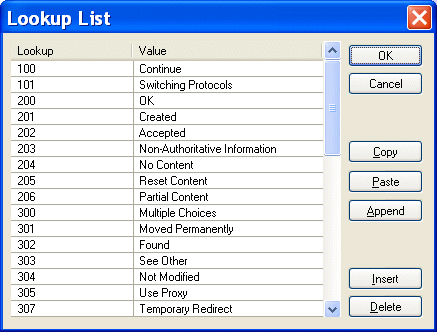
You can define lookup lists for individual fields. When Stylus Studio converts the input file, it replaces the string in the input file (the lookup) with the value you have defined for it in the
Lookup List dialog box.
Figure 193 shows an example of a lookup list that has been defined for a
For any
Input file values that do not match a lookup are emitted in the XML document as-is, allowing exceptional values to be decoded. For example, you might have a temperature lookup list with these values for a
All other temperatures would be emitted as-is. Defining Lookup Lists
Lookups are case-sensitive, so, for example, a lookup of
You can define lookup lists only for fields in rows for which a match pattern (even a blank match pattern, as is the default) exists. Finally, you can paste comma- and tab-delimited text directly into the lookup list. This allows you to easily reuse existing lookup tables without having to re-enter text. To define a lookup list:
1. Select a row for which a match pattern exists.
2. Click the
Lookup List entry field in the
Properties window.
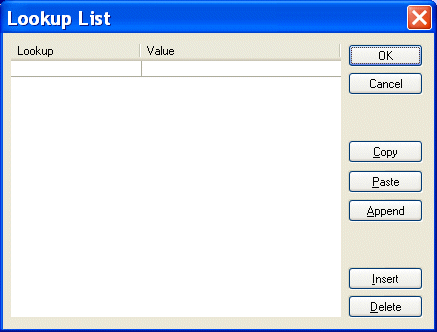
The Lookup List dialog box appears.
3. Enter lookup/value pairs in the corresponding entry fields.
4. When you are done, click
OK.
Working with Lookup ListsThe following table summarizes the functions of the Lookup List dialog box, which allow you to work with new and existing lookup lists.
|

XML PRODUCTIVITY THROUGH INNOVATION ™