Cart
Cart
|
Home > Online Product Documentation > Table of Contents > Starting Stylus Studio Starting Stylus StudioThroughout this chapter, you perform exercises that require you to first start Stylus Studio. To start Stylus Studio, select Start > Programs > Stylus Studio XML Professional Edition > Stylus Studio.
The path shown here assume that you accepted the defaults when you installed Stylus Studio. If you did not, you must alter your selection path accordingly. You can also start Stylus Studio by double-clicking the desktop icon:
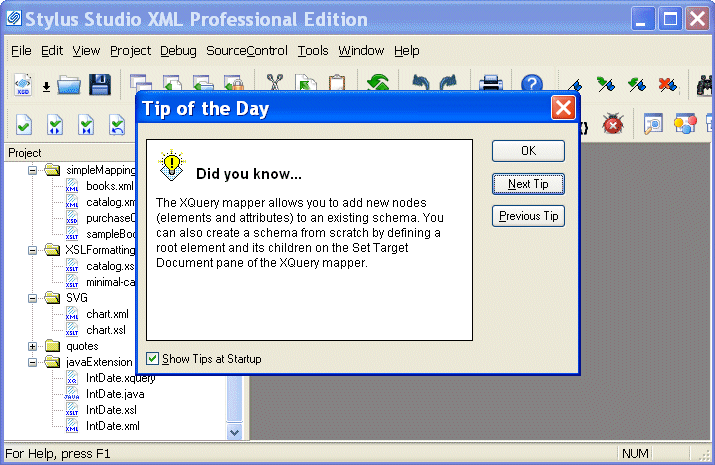
This icon is created by default during Stylus Studio installation. On startup, Stylus Studio displays the Tip of the Day dialog box, and the Project window.
|

XML PRODUCTIVITY THROUGH INNOVATION ™