|
Home > Online Product Documentation > Table of Contents > Starting Stylus Studio Starting Stylus StudioThroughout this chapter, you perform exercises that require you to first start Stylus Studio. For example, if you installed Stylus Studio XML Enterprise Edition, you would Select Start > Programs > Stylus Studio XML Enterprise Edition > Stylus Studio.The path shown here assumes that you accepted the defaults when you installed Stylus Studio. If you did not, you must alter your selection path accordingly. You can also start Stylus Studio by double-clicking the desktop icon, which is added to your desktop by default when you install Stylus Studio:
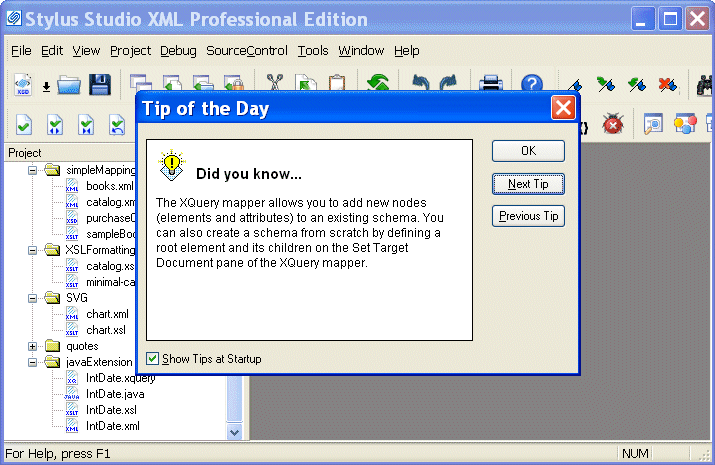
On startup, Stylus Studio displays the Tip of the Day dialog box.
|

XML Schema Designer
The XML Schema Designer is a tool for accelerating advanced XML Schema development through an intuitive visual interface for modeling any XML data structures.
Database-to-XML Mapping
Stylus Studio features several database-to-XML mapping tools that allow you to easily query a relational database using SQL/XML or SQL and render the results as XML. Stylus Studio also supports the world's first and only visual SQL/XML Editor!
Scientific, Photo & Control Equipment
Scientific, photo & control equipment companies hear clicks and beeps all day. But, when it comes to data integration it needs to be done in a flash, that's why they use Stylus Studio. Come see which top companies are seeing XML in a brand new light!
XML Generator
Create sample XML instance documents from any XML Schema using the XML Generator. The generated XML document is always valid, well-formed XML!